Claude AI For CPAs & Finance Professionals: Practical Use Cases & Demo

  • 01:00 PM ET | 12:00 PM CT | 10:00 AM PT | Duration: 120 Minutes
  • Credit: IRS Credits: 2.0 | NASBA Credits: 2.0| Product Code: WEB00463
LIMITED SEAT

Webinar Instruction will be emailed on your registered email address 3 days prior to webinar | Web Download / e-Transcript will be shared in 7 working days from the date of webinar

Artificial Intelligence is rapidly becoming an integral part of modern accounting workflows, including taxation processes. With increasing pressure to operate efficiently, manage high volumes of data, and deliver more meaningful insights, professionals are exploring how AI can enhance productivity without compromising accuracy across both accounting and taxation functions.

Tools like Claude are emerging as powerful support systems for accounting professionals—assisting with summarizing technical guidance, drafting memos, organizing reconciliations, and improving day-to-day efficiency, including support for taxation documentation and analytical workflows. However, accounting and taxation demand professional judgment, precision, and a high level of skepticism. While AI can significantly support workflows, it does not replace the responsibility of the professional to review, interpret, and validate outputs.

As organizations continue to evaluate AI adoption, it is critical for professionals to understand where these tools deliver value and where human oversight remains essential—particularly in areas involving taxation compliance and reporting. When applied effectively, AI can strengthen efficiency, communication, and analytical capabilities. When misapplied, it may introduce risks related to inaccuracies, incomplete analysis, or over-reliance across both accounting and taxation activities.

This session provides a practical introduction to leveraging Claude within accounting workflows, including taxation applications. It emphasizes real-world use cases, measurable productivity improvements, and key guardrails required to ensure responsible, compliant, and effective implementation.

Learning Objectives:

  • Introduction to Claude for accounting workflows and taxation
  • How AI can support accountants in daily work and taxation-related tasks
  • Summarizing accounting guidance and financial documentation, including taxation materials
  • Drafting memos, reconciliations, and internal documentation for accounting and taxation
  • Supporting accounting analysis and variance commentary, including taxation insights
  • Organizing accounting issues and workflow processes, including taxation-related workflows
  • Using Claude during month-end close and reporting cycles, including taxation reporting
  • Risks and limitations of AI in accounting and taxation environments
  • Protecting accuracy and maintaining professional oversight in accounting and taxation
  • Best practices for prompting Claude effectively for accounting and taxation use cases

Credits and Other information:

  • Recommended CPE credit – 2.0
  • Recommended field of study – Taxes
  • Session Prerequisites and preparation: None
  • Session learning level: Basic
  • Location: Virtual/Online
  • Delivery method: Group Internet Based
  • NASBA Sponsor: 146439
  • IRS Course ID: PJGWS
  • Attendance Requirement:  Yes
  • Session Duration: 120 Minutes
  • Case Studies and Live Q&A session with speaker
    • PowerPoint presentation for reference

Who Should Attend:

  • CPA's
  • Accountants
  • Controllers
  • CFO's and Finance Leaders
  • Finance Managers
  • Financial Analysts
  • Internal Auditors
  • Accounting Managers
  • FP&A Professionals
  • Advisory and Consulting Professionals
  • Risk and Compliance Professionals
  • Business Strategists

Coder Archives is registered with the National Association of State Boards of Accountancy (NASBA) as a sponsor of continuing professional education on the National Registry of CPE Sponsors. State boards of accountancy have final authority on the acceptance of individual courses for CPE credit. Complaints regarding registered sponsors may be submitted to the National Registry of CPE Sponsors through its website: www.nasbaregistry.org.

Speaker Profile

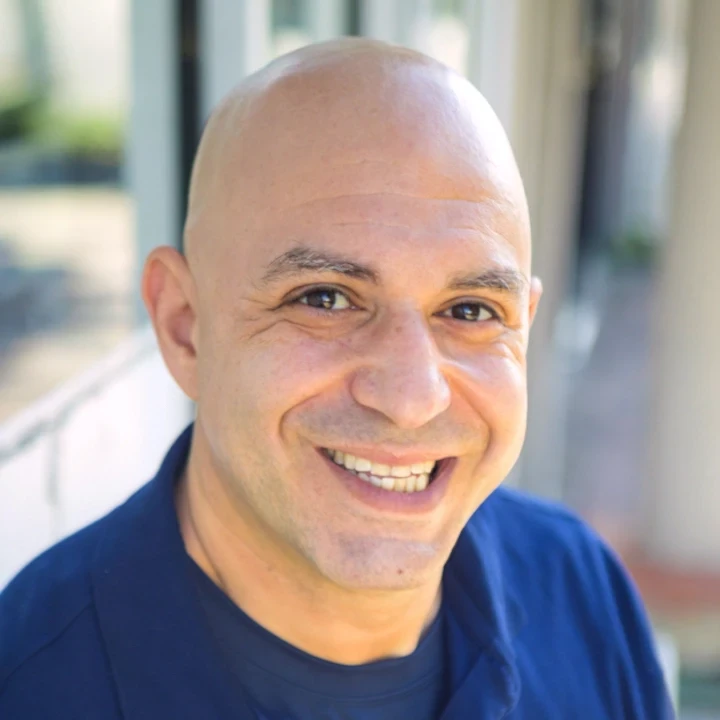
Justin brings over 20 years of wide-arranging experience in compliance, training and regulations. He has served as Head of Compliance Training at Bank of China, Macquarie Group’s Head of Americas Compliance Training and JPMorgan Chase’s Compliance Training Manager.Justin also worked for FINRA, a US regulator, where he created Examiner University to train examiners on how to perform their function.

IRS Credits
NASBA Credits
1. Are your providing Online Continuing Education Credits?

We are approved to provide CPE/CE credits to Tax Professionals

  • IRS
  • NASBA
2. When are the continuing education credits reported to the IRS, HRCI, NASBA and other regulatory bodies ?

We reports the educational credits to the respective licensing/regulatory bodies in 5 business days.

3. What should I do if I can’t log my account?

The credentials to log into your account is your EMAIL ADDRESS & PASSWORD used during account creation.

  • If you’ve forgotten your password, please go to the login page and click on the ‘Forgot Password.’ Then enter your registered email id to receive the password reset email. Click on the link given in the email to enter your new password.
  • If the face any challenge, please reach out to us via email support@pro2learn.com or contact our support team through live chat support. Our support line is 1-937-865-8027.Our support team is available Monday to Friday from 09:00 AM – 06:00 PM EST/EDT
4. How can I view /access the courses that I have registered for?

When you register for any of our webinars/product, you receive will the instruction 24 hours prior to the conference. Also, the instructions are avilable in your account under ‘My Webinars’ section.

5. How can I cancel my registration?

You can cancel your registration to by email at support@pro2learn.com.  If you cancel your registration for the paid webinar, the amount shall be credited back in your payment method within 7 business days.

6. How can I download the learning materials/Handouts available for the webinars/Seminar?

The conference materials are available 4 hours prior to the webinar. You can download it from the webinar page or by logging to your account.

7. What are the system requirements to attend a live webinar?

Our seamlessly integrated with ZOOM, WebX and, Goto for delivering continuing education webinars. The system requirements are :

  • An internet connection – broadband wired or wireless
  • Speakers and a microphone – built-in, USB plug-in, or wireless Bluetooth
8. What are CPE Package Courses?

Our package courses are the bundles of various continuing education courses which have been specially designed to meet your continuing education requirements for a particular Qualification.

9. What is web download and transcript?
  • The web download is the recording of the webinar. You will receive a link to download and save the webinar on your computer and watch it anytime and multiple times.
  • The transcript is the detailed written material presented during the webinar.
10. What is an On demand session?

On demand session is when we conduct the webinar as per your available dates after the live training. You will get access to the training for 24 hours.

11. How do I access a previously purchased webinar, self-study course, Web Download, or package?

To access a course that you have already purchased, all you must have to create/log in to your account. Click on the "Log In" button in the top right of the screen. Once you are logged in, you will have immediate access to all your purchased CPE courses, packages and other self-service or you can write on support@pro2learn.com.

12. I took a webinar, where is my certificate?

We will email your certificate within 3 working days of the end of the webinar, or you can login your account at www.pro2learn.com. If you don’t receive the email within 3 working days of the end of the webinar, check your spam/junk folder. If it’s not there, we recommend that you send us an email at support@pro2learn.com or connect over the online chatroom.

John from New York
bought Course A
just now